Prices, availability, seller details, subscriptions, and included accessories can change. Confirm the final terms on the seller or manufacturer website. Affiliate links — AIFOLUNE may earn a commission at no extra cost to you.
Based on official product information, documentation, and independent market research. No hands-on testing is implied unless the article explicitly says otherwise.
The best creator stack is not the longest software list. This guide gives Adobe Firefly, RØDE Wireless Micro, and DaVinci Resolve 21 one clear role each from concept to published video.
QUICK VERDICT
Build around the bottleneck: capture intelligible speech, learn one capable editor, and add paid AI only when it removes a repeated production delay. A small interoperable toolkit is easier to master and cheaper to maintain than five overlapping subscriptions.
OUR SHORTLIST
Recommended Picks
01
Adobe Firefly
Best for AI concepts and generated assets
A multi-model workspace for images, B-roll, audio, and commercially oriented Adobe generation connected to Creative Cloud.
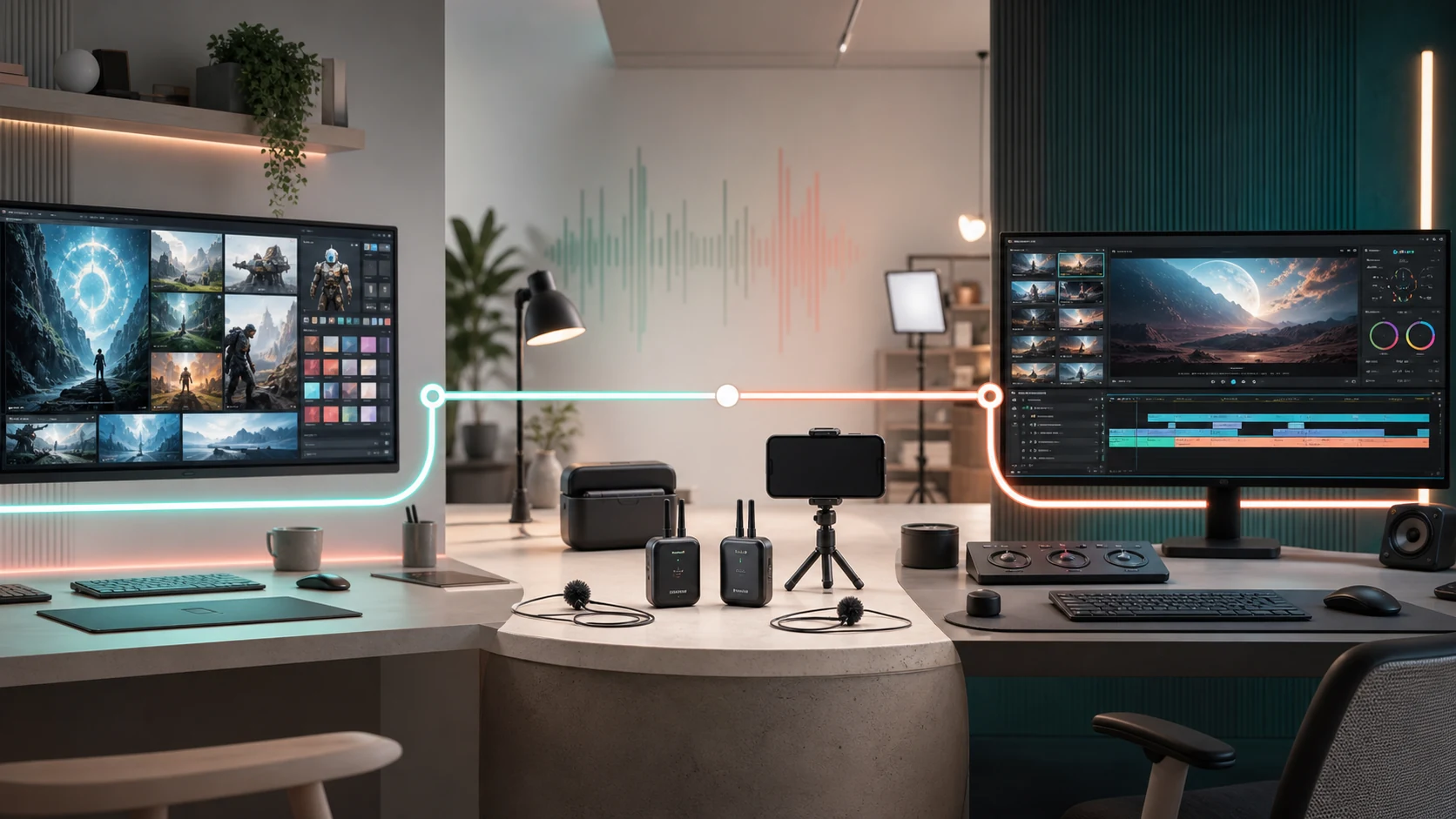
Use Firefly before or during production for concepts, storyboards, generated inserts, and audio elements. Capture real speech with a dedicated microphone. Bring original footage and generated assets into Resolve for editing, color, sound, captions, and delivery. Each tool has one primary job, which makes the workflow easier to troubleshoot.
Adobe Firefly for planning and supplemental media
Firefly can turn prompts and references into images, short clips, audio, vectors, and variations across Adobe and selected partner models. It is most useful when a project needs a storyboard, concept frame, product visualization, background element, or missing B-roll—not when generation replaces every real shot.
RØDE Wireless Micro for mobile production
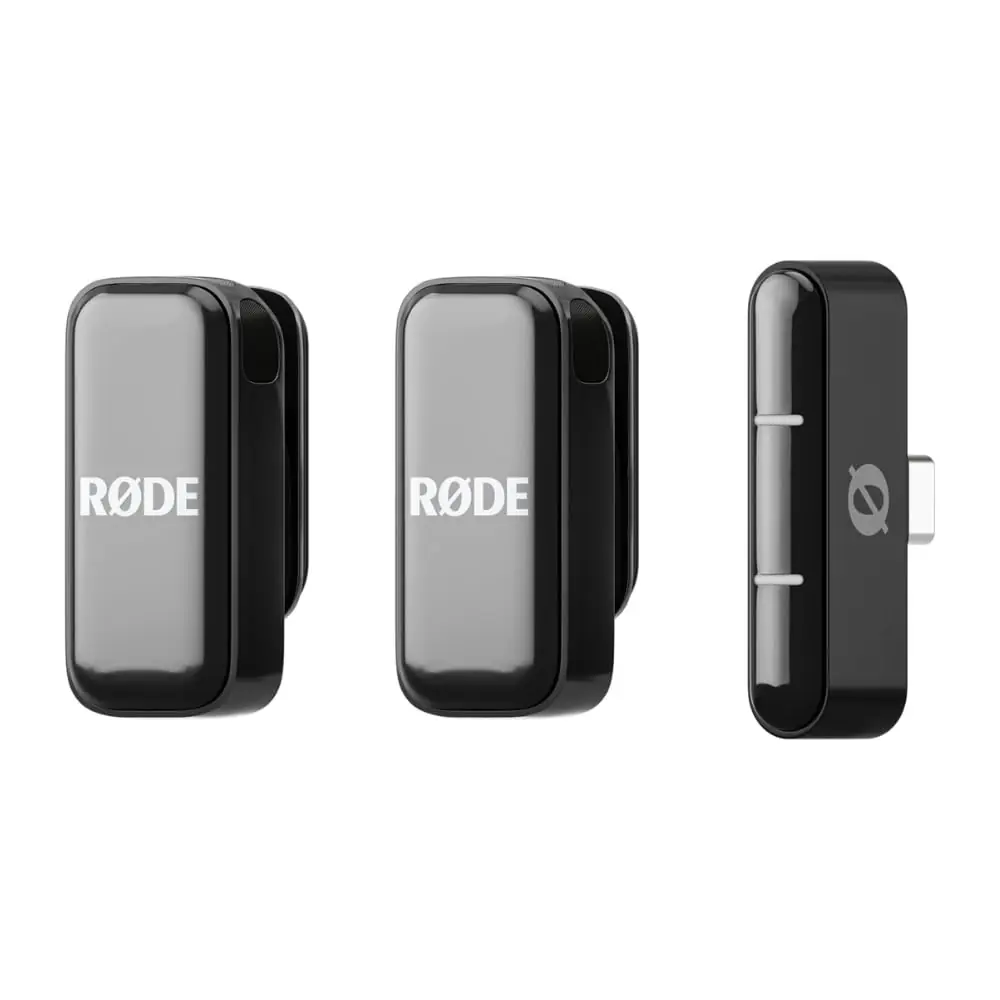
Wireless Micro removes much of the setup from two-person phone recording. The receiver connects directly to a compatible USB-C device, transmitters pair automatically, and GainAssist manages levels. It is ideal for interviews, demonstrations, travel, and vertical video, but camera teams needing timecode or internal backup should compare DJI Mic 3.
DaVinci Resolve 21 for the final master
Resolve combines editing, color, Fusion effects, Fairlight audio, collaboration, and export inside one project. The free edition is sufficient for substantial work; Studio adds Neural Engine features, advanced effects, stronger noise reduction, higher-end formats, and expanded performance. Start free and upgrade when a specific limitation appears.
File and color management
Keep camera originals, generated assets, project files, music licences, and final masters in an organized folder outside every cloud tool. Record the model and generation date for AI assets. Establish the delivery frame rate, resolution, and color space before editing so phone, camera, and generated media do not create avoidable inconsistencies.
Commercial and AI checks
Review usage rights for the exact Firefly or partner model used, retain evidence of licences, and disclose synthetic media where context requires it. Generated people, trademarks, voices, and factual scenes need extra review. Adobe’s statements about its own Firefly models do not automatically apply to every partner model in the interface.
Recommended buying order
Begin with the free version of Resolve and existing camera hardware. Add the microphone when speech quality is inconsistent. Test Firefly on a limited plan only after identifying a repeated need for concepts, B-roll, or audio generation.
Use free software before paying for overlapping subscriptions
Test audio before every important recording
Budget for several AI generations per approved asset
Keep editable originals and exports under your own control
Amazon purchase notes
The Creative Cloud listing is a recurring digital subscription, the RØDE listing is a physical USB-C kit, and the Resolve listing is a hardware bundle with an activation card. Confirm region, account eligibility, renewal conditions, seller, exact connector, and included items. A low price is not useful if the product cannot be activated in the buyer’s region.
Who this workflow is for
This stack fits solo YouTubers, social teams, educators, mobile journalists, small agencies, and businesses producing regular video. Dedicated film crews may substitute cinema hardware and collaborative storage, while casual creators can use a phone, RØDE Wireless Micro, and free Resolve without buying Firefly.
Frequently asked questions
Do all three tools run on a phone? No; RØDE is phone-first, while Firefly is browser-based and Resolve is primarily desktop software. Is Resolve really free? Yes, with a paid Studio edition for additional features. Does Creative Cloud include Firefly access? Current plans include generative features and credits, but allowances change—verify the listing. Can generated footage replace filming? Sometimes for supporting shots, but real demonstrations and factual scenes usually benefit from real footage.

 Creator AudioBest USB Microphones for Content Creators in 2026: Five Picks for Different Rooms and WorkflowsRead more →
 Creator AudioBest Wireless Microphones for Creators in 2026: Three Kits for Different WorkflowsRead more →
 AI Voice RecordersBest AI Voice Recorders in 2026: PLAUD Note vs NotePin S vs iFLYTEK P1 ProRead more →