
AI TOOL REVIEW
Adobe Firefly Review: A Multi-Model AI Studio for Commercial Creative Work
Check Current Price
Check Creative Cloud on Amazon →PRICE DISCLOSURE
Prices, availability, seller details, subscriptions, and included accessories can change. Confirm the final terms on the seller or manufacturer website. Affiliate links — AIFOLUNE may earn a commission at no extra cost to you.
Based on official product information, documentation, and independent market research. No hands-on testing is implied unless the article explicitly says otherwise.
Firefly is most compelling for creators and teams that want AI generation connected to Adobe’s production ecosystem rather than another isolated prompt box.
QUICK VERDICT
The strongest AI-tool choice for Adobe-centered teams and commercial creative work. Its multi-model workspace and integration are valuable, but generative credits and model-specific commercial terms must be managed carefully.
BEST FOR
Best for designers, marketers, agencies, video teams, and existing Adobe subscribers who need AI assets to move into a conventional production pipeline. A creator focused only on experimental cinematic video should also compare Runway before committing.
MAIN TRADE-OFF
Generative credits, clip duration, resolution, native audio, and usage rights vary by plan and model.
COMPLETE SETUP
Confirm the included accessories and any stand, mount, cable, adapter, or software needed for your workflow.
AT A GLANCE
Key Specifications
- Text-to-image and text-to-video generation
- Image-to-video and video refinement
- AI audio, music, speech, and sound effects
- Vector and design generation
- Adobe and selected partner models
- Integration with the broader Creative Cloud workflow
THE TRADE-OFFS
Pros and Cons
Pros
- Multiple leading AI models in one workspace
- Adobe models designed for commercial creative use
- Image, video, audio, and vector generation
- Useful connection to Creative Cloud applications
- Free access with limited daily generations
- Strong fit for marketing and brand teams
Cons
- Generative credits, clip duration, resolution, native audio, and usage rights vary by plan and model.
- The broad interface can feel less focused than a specialist generator, and a Creative Cloud subscription is expensive when Firefly is the only required feature.
BEST MATCH
Who It’s For
Best for designers, marketers, agencies, video teams, and existing Adobe subscribers who need AI assets to move into a conventional production pipeline. A creator focused only on experimental cinematic video should also compare Runway before committing.
THINK TWICE
Who Should Skip It
Generative credits, clip duration, resolution, native audio, and usage rights vary by plan and model. The broad interface can feel less focused than a specialist generator, and a Creative Cloud subscription is expensive when Firefly is the only required feature.
THE PRODUCT
Product Overview
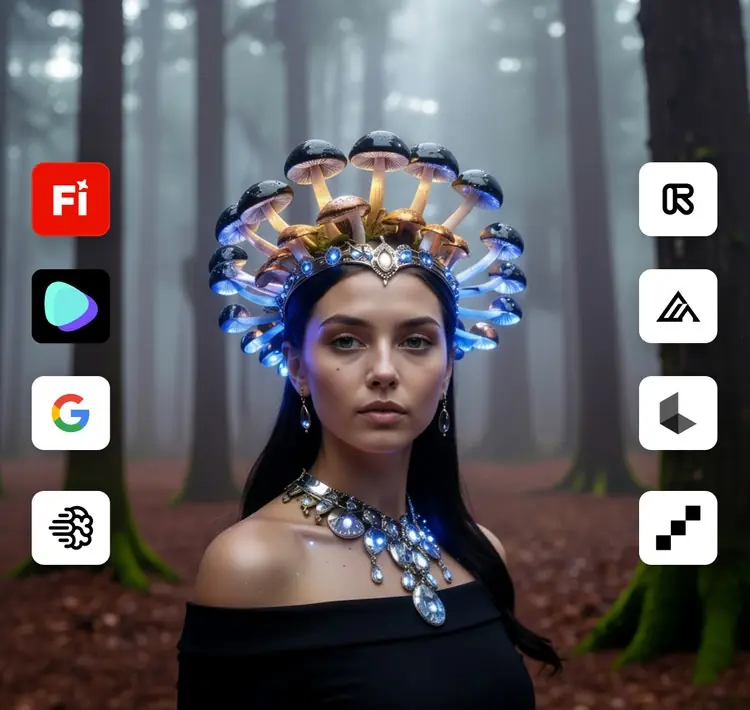
Adobe Firefly is an all-in-one AI creative studio for generating and editing images, video, audio, and vector graphics. It combines Adobe’s own commercially oriented models with selected partner models from companies including Google, OpenAI, Runway, Luma AI, and others. The Amazon link on this page points to Adobe’s Creative Cloud Pro annual subscription listing, not a separate Firefly-only product; price, seller, renewal terms, eligibility, and included generative credits must be checked before purchase.
DEEPER LOOK
Detailed Review
Why it matters in 2026
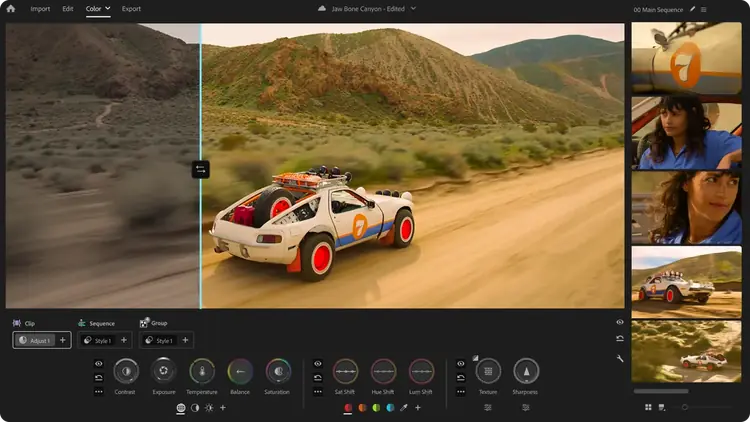
Firefly has developed from a single image generator into a multi-model production hub. Creators can compare models, generate assets, arrange footage in the Firefly video editor, add audio, and continue work in Adobe applications without building a separate workflow around every model.
Video generation and editing
Firefly supports prompts and reference images, multiple aspect ratios, model comparison, clip extension, timeline refinement, and exports up to 4K depending on the selected model. Clip length, native audio, resolution, and generation speed vary by model, so the model selector is a production decision rather than a cosmetic setting.
Commercial-use positioning
Adobe states that output from its own Firefly Video Model is designed for commercial use because the model is trained on licensed and public-domain content rather than customer content. Partner models have their own terms, so commercial eligibility must be checked for the specific model used in a project.
Creative Cloud workflow
Firefly is most valuable when generated assets need to move into Premiere Pro, Photoshop, Illustrator, or another Adobe application. Teams already using Creative Cloud can keep review, editing, templates, and asset production closer together instead of managing exports from several unrelated services.
Amazon purchase notes
Amazon offers Adobe digital subscriptions through the Adobe Store. Confirm that the listing is sold by or clearly associated with Adobe, matches the correct country and account type, includes the required term, and states how renewal works. Student and teacher editions have eligibility rules. Never purchase an unexplained activation key from an unknown seller.
OTHER OPTIONS
Alternatives
OBS Studio 32.2 Review: The Free Standard for Streaming and Recording, Adobe Creative Cloud Pro Review: 20+ Apps, Firefly AI, and the Subscription Trade-Offs, Adobe Premiere Review: The Connected Editor for Creative Cloud Teams
COMMON QUESTIONS
Frequently Asked Questions
Can Firefly be used for free? Adobe provides limited free daily generations. Is Creative Cloud required for every feature? No, but paid plans and Creative Cloud unlock higher usage and broader workflows. Are all partner-model outputs commercially safe? Terms depend on the selected model. Does the Amazon link include Firefly? The linked Creative Cloud Pro listing includes Adobe’s creative apps and generative credits; verify the current product description before buying.
FINAL CHECK
Ready to decide?
Confirm the current configuration, included accessories, seller, and final price before ordering.
KEEP EXPLORING
Related Buying Guides
 Creator WorkflowBest Tools for Video Creators in 2026: An AI-to-Publish WorkflowRead more →
 Studio SetupBest Creator Desk Upgrades in 2026: Camera, Microphone, and LightingRead more →
 Creator AudioBest USB Microphones for Content Creators in 2026: Five Picks for Different Rooms and WorkflowsRead more →
KEEP EXPLORING
Related Products
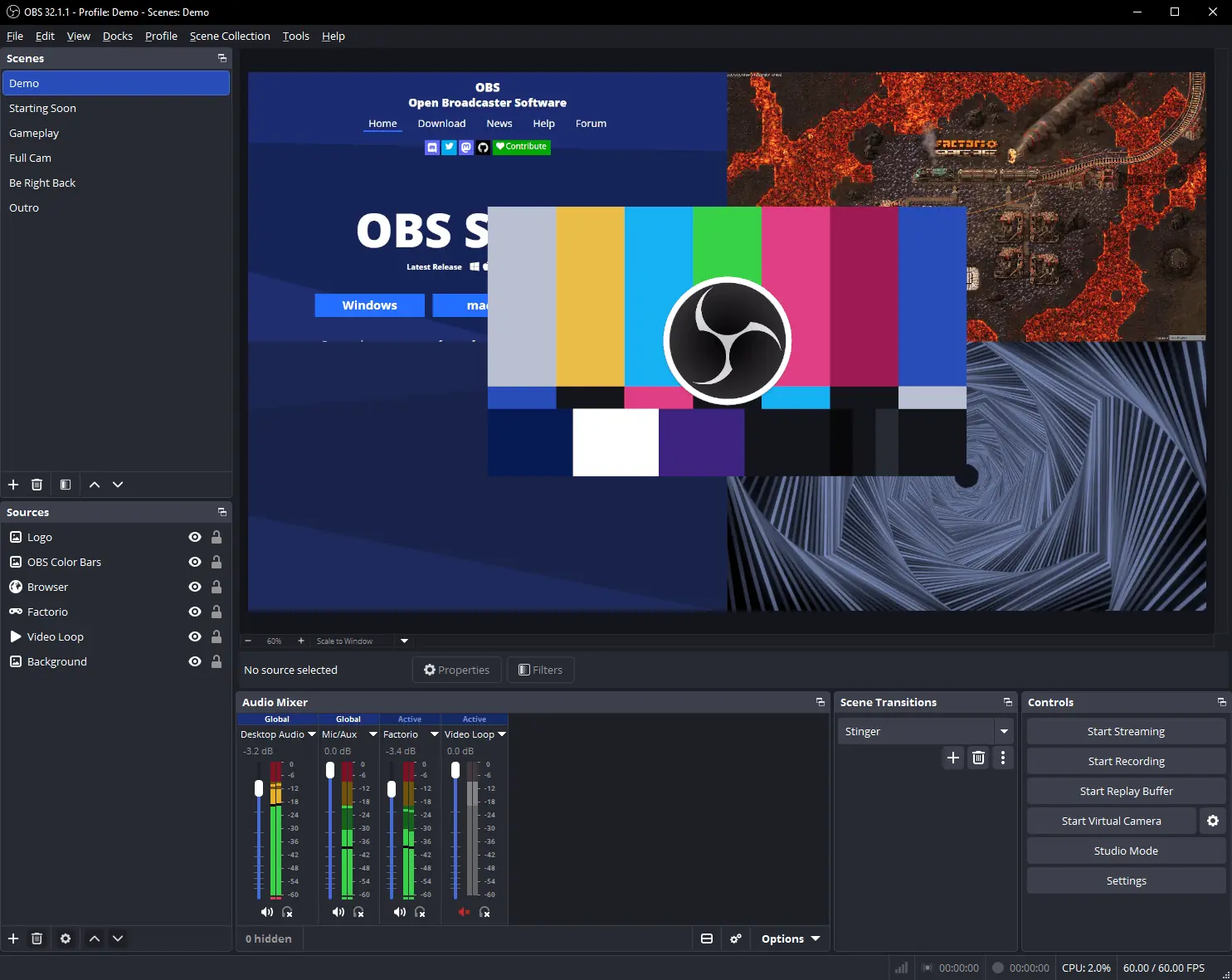 StreamingOBS Studio 32.2 Review: The Free Standard for Streaming and RecordingRead more →
 Creative Software SuitesAdobe Creative Cloud Pro Review: 20+ Apps, Firefly AI, and the Subscription Trade-OffsRead more →
 Video EditingAdobe Premiere Review: The Connected Editor for Creative Cloud TeamsRead more →