PRODUCT REVIEW
Elgato Facecam 4K Review: DSLR-Style Control for Desktop Creators
- Model
- Facecam 4K
- ASIN
- B0DVZG36J8
- Release year
- 2025
Check Current Price
Check price on Amazon →PRICE DISCLOSURE
Prices, availability, seller details, subscriptions, and included accessories can change. Confirm the final terms on the seller or manufacturer website. Affiliate links — AIFOLUNE may earn a commission at no extra cost to you.
Based on official product information, documentation, and independent market research. No hands-on testing is implied unless the article explicitly says otherwise.
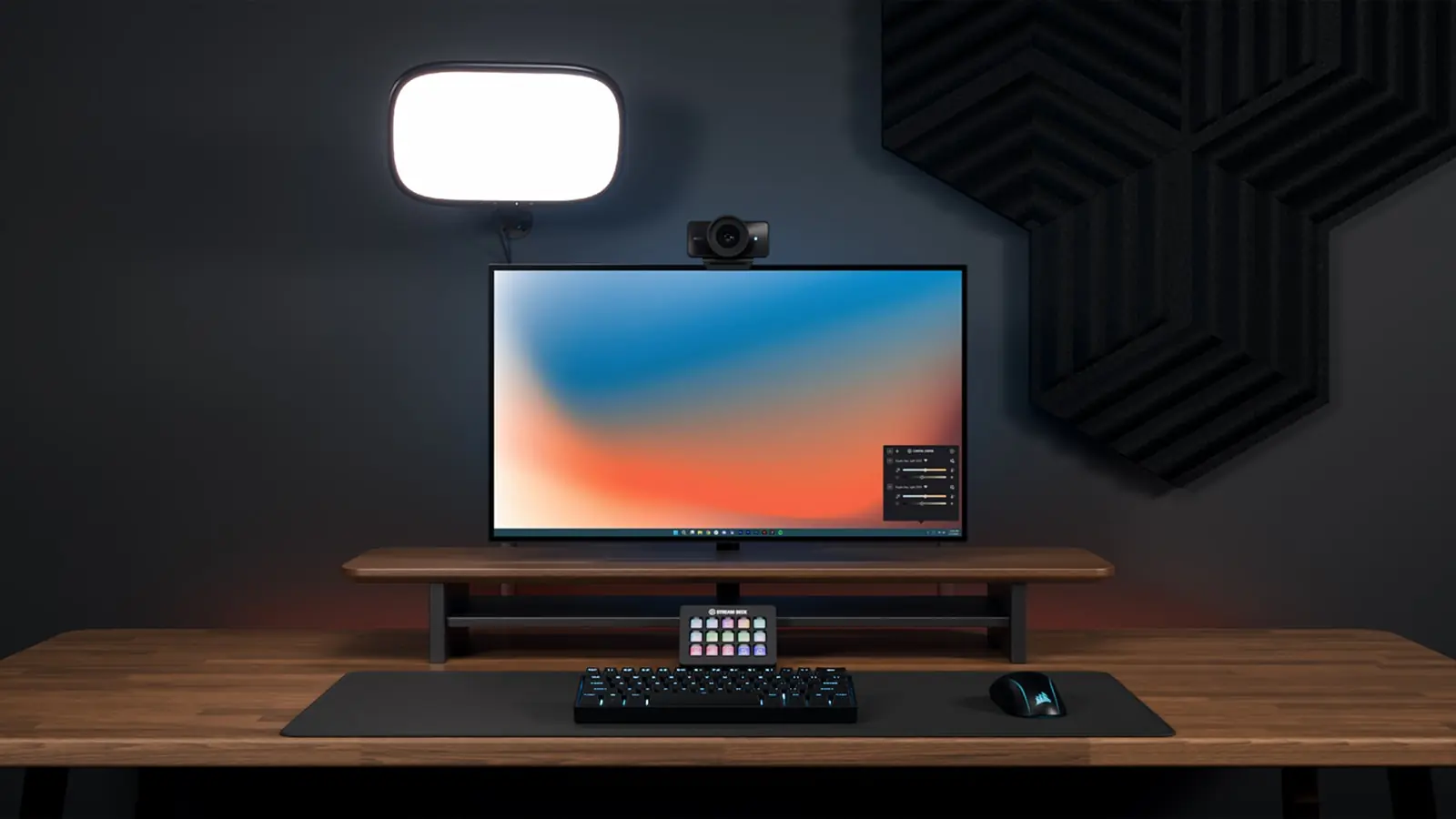
Facecam 4K follows the growing demand for camera-like control without the batteries, capture cards, and setup complexity of a mirrorless desktop rig.
QUICK VERDICT
A strong premium webcam for streamers and presenters with a fixed, well-lit desk setup. The 4K60 signal and Camera Hub controls are useful, but fixed focus, no microphone, and the need for good lighting make it a specialist upgrade rather than a universal webcam.
BEST FOR
It is best for full-time streamers, educators, remote presenters, podcasters with video, and creators recording at a fixed desk. Mobile creators, product reviewers who need close autofocus, and occasional callers should choose a different camera.
MAIN TRADE-OFF
There is no built-in microphone, autofocus, optical zoom, or battery-powered use.
COMPLETE SETUP
The 49 mm filter thread supports common diffusion, polarizing, and creative filters. A standard quarter-inch thread works with monitor mounts, arms, and tripods. These details make Facecam 4K easier to integrate into an established desk studio than webcams that depend on a proprietary clip.
AT A GLANCE
Key Specifications
- Model: Facecam 4K
- ASIN: B0DVZG36J8
- Release year: 2025
- Maximum capture: 4K at 60 fps
- Sensor: 1/1.8-inch Sony STARVIS 2 CMOS
- Fixed-focus 21 mm-equivalent lens
- 90-degree field of view
- f/4.0 aperture
- HDR support up to 4K30
- 49 mm front filter thread
- USB-C, UVC 1.5, standard 1/4-inch mount
THE TRADE-OFFS
Pros and Cons
Pros
- Detailed 4K60 capture
- Large Sony STARVIS 2 sensor for its category
- No focus hunting in a fixed seated setup
- Camera Hub manual controls and saved looks
- 49 mm filter compatibility
- Standard mount and broad UVC application support
Cons
- There is no built-in microphone, autofocus, optical zoom, or battery-powered use.
- Fixed focus can frustrate product demonstrators, 4K60 demands more USB bandwidth and computer resources, and the premium is difficult to justify for ordinary video meetings.
- Background effects also depend on the computer and software environment.
BEST MATCH
Who It’s For
It is best for full-time streamers, educators, remote presenters, podcasters with video, and creators recording at a fixed desk. Mobile creators, product reviewers who need close autofocus, and occasional callers should choose a different camera.
THINK TWICE
Who Should Skip It
There is no built-in microphone, autofocus, optical zoom, or battery-powered use. Fixed focus can frustrate product demonstrators, 4K60 demands more USB bandwidth and computer resources, and the premium is difficult to justify for ordinary video meetings. Background effects also depend on the computer and software environment.
THE PRODUCT
Product Overview
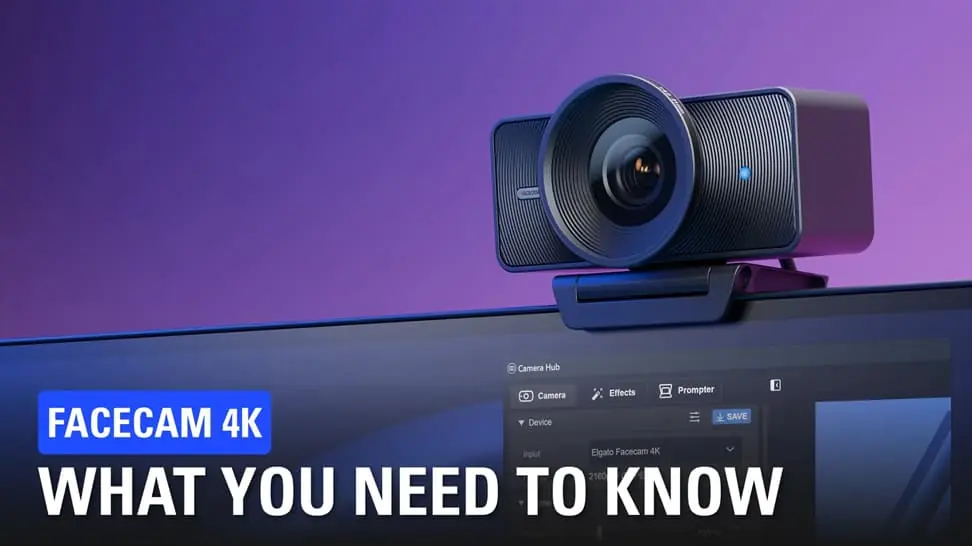
Elgato Facecam 4K is a creator-focused USB-C webcam built around a 1/1.8-inch Sony STARVIS 2 CMOS sensor and Elgato Prime Lens. It captures up to 2160p at 60 frames per second and supports HDR at selected modes. The exact Amazon US listing is ASIN B0DVZG36J8; price and marketplace signals can change.
DEEPER LOOK
Detailed Review
Why premium webcams are trending
Desktop creators increasingly want a clean 4K master for reframing into horizontal and vertical layouts, while avoiding the heat, battery, capture-card, and autofocus problems of a camera rig. Facecam 4K is designed for this middle ground: more control than a meeting webcam, with less friction than a mirrorless camera.
Image quality and 4K60 capture
The large-for-a-webcam sensor and 4K60 output provide room for crop-based framing and smoother motion. Resolution does not replace lighting: the f/4.0 fixed lens still benefits from a soft key light, and compressed streaming platforms may hide part of the improvement. The largest gain appears in locally recorded video and carefully lit streams.
Fixed focus: advantage and limitation
At 4K, Elgato specifies a focus range of roughly 30–120 cm; at 1080p it extends from about 25 cm to infinity. Fixed focus avoids visible focus hunting during a stream and keeps a seated presenter stable, but it is less suitable for creators who frequently hold products close to the lens or move around the room.
Camera Hub controls
Elgato Camera Hub provides manual exposure, white balance, digital framing, LUTs, background effects, and settings that can be recalled for repeatable production. Stream Deck integration is valuable when a creator needs to switch framing or exposure without opening another control window.
Filters, mounting, and studio integration
The 49 mm filter thread supports common diffusion, polarizing, and creative filters. A standard quarter-inch thread works with monitor mounts, arms, and tripods. These details make Facecam 4K easier to integrate into an established desk studio than webcams that depend on a proprietary clip.
OTHER OPTIONS
Alternatives
A mirrorless camera can deliver shallower depth of field, interchangeable lenses, and more cinematic flexibility, but normally adds power management, a mount, and sometimes a capture card. Facecam 4K is the practical choice when consistency and instant USB operation matter more than maximum optical control.
COMMON QUESTIONS
Frequently Asked Questions
Does it record 4K60? Yes, with a compatible computer and connection. Does it have autofocus? No. Does it include a microphone? No. Can filters be attached? Yes, the front supports 49 mm filters. Is good lighting still necessary? Yes; lighting has a major effect on perceived detail, color, and noise.
FINAL CHECK
Ready to decide?
Confirm the current configuration, included accessories, seller, and final price before ordering.
KEEP EXPLORING
Related Buying Guides
 Creator WorkflowBest Tools for Video Creators in 2026: An AI-to-Publish WorkflowRead more →
 Creator AudioBest USB Microphones for Content Creators in 2026: Five Picks for Different Rooms and WorkflowsRead more →
 Studio SetupBest Creator Desk Upgrades in 2026: Camera, Microphone, and LightingRead more →
KEEP EXPLORING