PRODUCT REVIEW
Elgato Key Light Air MK.2 Review: Flexible USB-C Lighting for Creator Desks
- Model
- 10LAM9901
- Release year
- 2025
Check Current Price
Check current price →PRICE DISCLOSURE
Prices, availability, seller details, subscriptions, and included accessories can change. Confirm the final terms on the seller or manufacturer website. Affiliate links — AIFOLUNE may earn a commission at no extra cost to you.
Based on official product information, documentation, and independent market research. No hands-on testing is implied unless the article explicitly says otherwise.
Key Light Air MK.2 responds to the move toward smaller creator desks by combining soft, repeatable lighting with flexible power and several control methods.
QUICK VERDICT
A polished lighting upgrade for streamers and presenters who value repeatable settings, USB-C power, and Stream Deck integration. Simpler manual panels cost less, but few are as neatly integrated into a permanent creator desk.
BEST FOR
Key Light Air MK.2 suits streamers, educators, beauty creators, remote presenters, and compact desk studios that need consistent lighting every day. Occasional callers and creators who do not use automation should compare simpler LED panels first.
MAIN TRADE-OFF
Full output depends on a capable USB-C supply.
COMPLETE SETUP
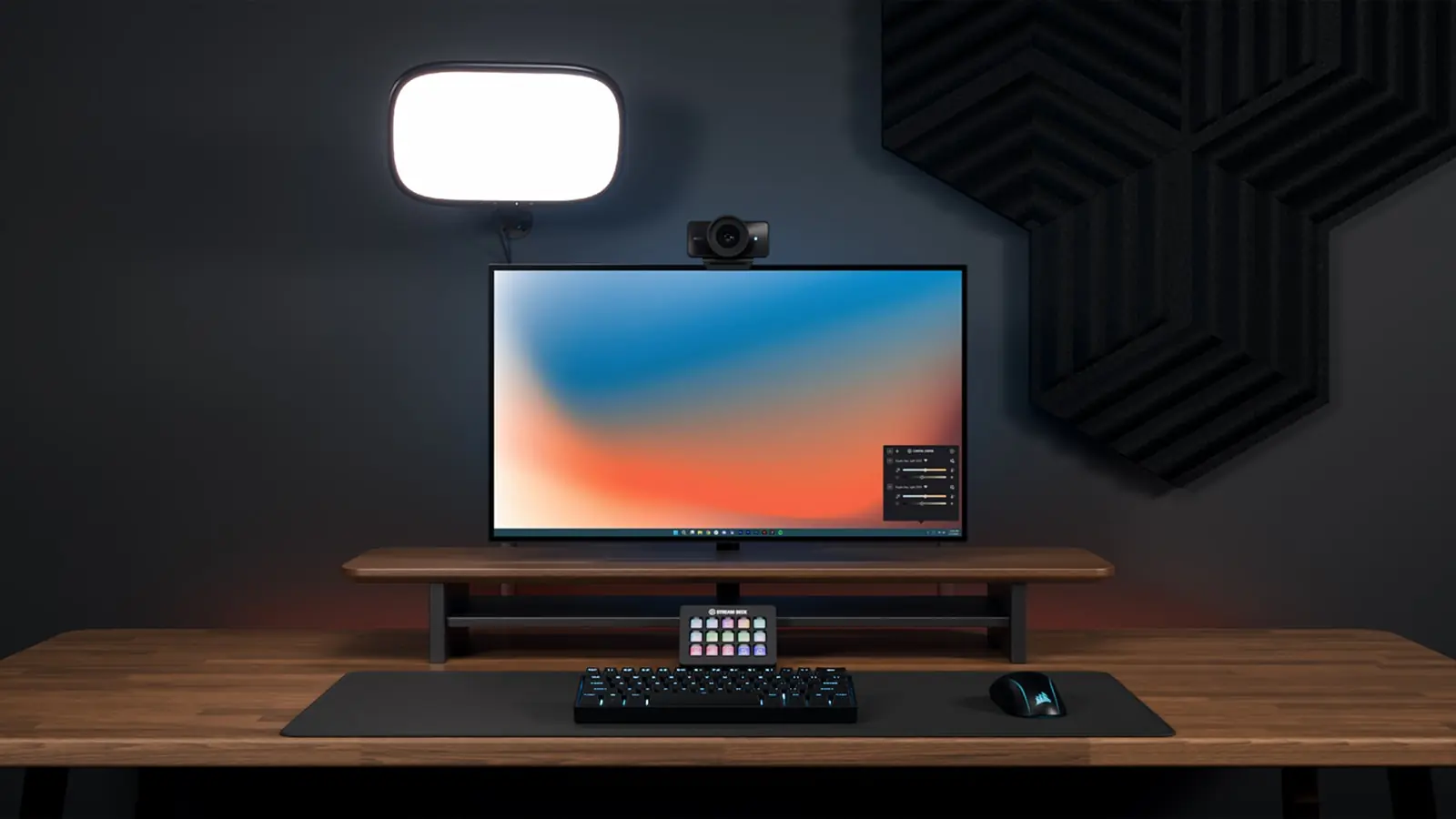
The included desk clamp keeps the base off the work surface and allows height and angle adjustment. Before buying, measure the desk edge and available space behind the monitor. Positioning the panel slightly above eye level and off-axis generally produces more natural shaping than pointing it straight at the face.
AT A GLANCE
Key Specifications
- Model: 10LAM9901
- Release year: 2025
- Maximum output: up to 2,100 lumens with sufficient USB-C power
- Color temperature: 2,900–7,000 K
- CRI above 94
- USB-C power input
- Onboard capacitive touch controls
- Wi-Fi and Elgato Control Center support
- Stream Deck integration
- Clamp-on adjustable desk mount included
THE TRADE-OFFS
Pros and Cons
Pros
- Strong output for a compact panel
- Broad warm-to-cool color range
- Soft edge-lit design
- Works without an app for basic adjustments
- USB-C power is easier to replace and route
- Useful automation for Stream Deck users
- Clamp mount preserves desk surface area
Cons
- Full output depends on a capable USB-C supply.
- One light may create a strong shadow on the opposite side of the face, while a two-light setup becomes expensive.
- Wi-Fi automation adds setup complexity, the clamp will not suit every desk, and creators who only need one static setting can get comparable basic illumination from cheaper manual panels.
BEST MATCH
Who It’s For
Key Light Air MK.2 suits streamers, educators, beauty creators, remote presenters, and compact desk studios that need consistent lighting every day. Occasional callers and creators who do not use automation should compare simpler LED panels first.
THINK TWICE
Who Should Skip It
Full output depends on a capable USB-C supply. One light may create a strong shadow on the opposite side of the face, while a two-light setup becomes expensive. Wi-Fi automation adds setup complexity, the clamp will not suit every desk, and creators who only need one static setting can get comparable basic illumination from cheaper manual panels.
THE PRODUCT
Product Overview
Elgato Key Light Air MK.2 is a 15-inch edge-lit LED panel designed for desk studios, streaming, video calls, and recorded presentations. It combines onboard touch control with Control Center, Wi-Fi, and Stream Deck workflows. A matching product appears in Amazon US search, but a stable direct US ASIN could not be independently confirmed, so this page intentionally contains no affiliate link yet.
DEEPER LOOK
Detailed Review
Why creator lighting remains a priority
Higher-resolution webcams and phone cameras expose uneven skin tone, shadows, and mixed color temperatures more clearly. A controlled key light often improves perceived video quality more than upgrading the camera. The current trend is toward compact panels that fit permanent desks and can recall settings without rebuilding the setup before every session.
Light quality and output
The edge-lit panel spreads illumination across a broad surface to reduce harsh hotspots. Up to 2,100 lumens provides headroom for brighter rooms or a panel placed farther from the face, while the 2,900–7,000 K range can match warm indoor lamps or cooler daylight. A softer result still depends on distance, angle, and room reflections.
USB-C power and portability
USB-C replaces a fixed proprietary power brick and can allow operation from a compatible power supply or capable battery bank. Full brightness requires an adequate USB-C power source; underpowered adapters may limit output. The panel is portable around a home or studio, but its clamp mount is designed primarily for stable furniture rather than run-and-gun location work.
Touch, app, and Stream Deck control
Onboard controls mean basic brightness and color changes do not depend on Wi-Fi. Control Center adds remote adjustment and saved workflows, while Stream Deck integration lets a creator change lighting alongside scenes, cameras, or recording controls. These integrations are most useful in a repeatable studio routine.
Mounting and positioning
The included desk clamp keeps the base off the work surface and allows height and angle adjustment. Before buying, measure the desk edge and available space behind the monitor. Positioning the panel slightly above eye level and off-axis generally produces more natural shaping than pointing it straight at the face.
One light or two
One panel is enough for many talking-head videos when a wall, window, or inexpensive reflector softens the shadow side. Two matched panels provide more symmetrical control for streaming, product demonstrations, and green-screen work, but they are not automatically more flattering. Start with one and evaluate the room before doubling the investment.
OTHER OPTIONS
Alternatives
Elgato Facecam 4K Review: DSLR-Style Control for Desktop Creators, Philips Hue Bridge Pro Review: The Smarter Hub for Large Lighting Systems, RØDE PodMic USB Review: A Flexible USB/XLR Microphone for Creators
COMMON QUESTIONS
Frequently Asked Questions
Does it require Wi-Fi? No for onboard touch adjustments; connected features use Wi-Fi. Can it run from USB-C? Yes, but maximum output requires sufficient power. Is the mount included? Yes, Elgato lists an adjustable desk clamp in the box. Is one panel enough? Often yes for a small room, especially with ambient fill or a reflector.
FINAL CHECK
Ready to decide?
Confirm the current configuration, included accessories, seller, and final price before ordering.
KEEP EXPLORING
Related Buying Guides
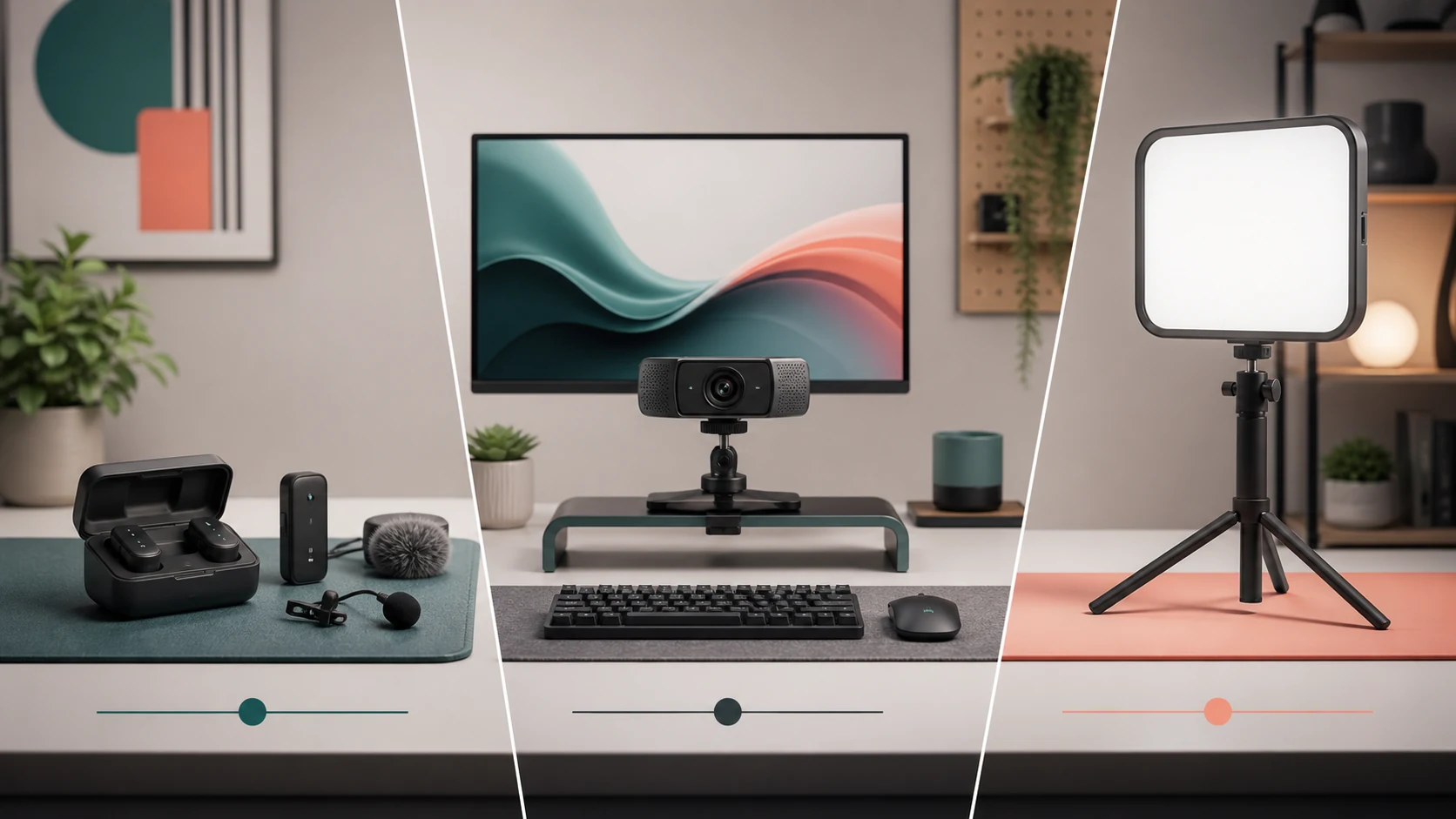 Studio SetupBest Creator Desk Upgrades in 2026: Camera, Microphone, and LightingRead more →
 Creator WorkflowBest Tools for Video Creators in 2026: An AI-to-Publish WorkflowRead more →
 Creator AudioBest USB Microphones for Content Creators in 2026: Five Picks for Different Rooms and WorkflowsRead more →
KEEP EXPLORING