Prices, availability, seller details, subscriptions, and included accessories can change. Confirm the final terms on the seller or manufacturer website. Affiliate links — AIFOLUNE may earn a commission at no extra cost to you.
Based on official product information, documentation, and independent market research. No hands-on testing is implied unless the article explicitly says otherwise.
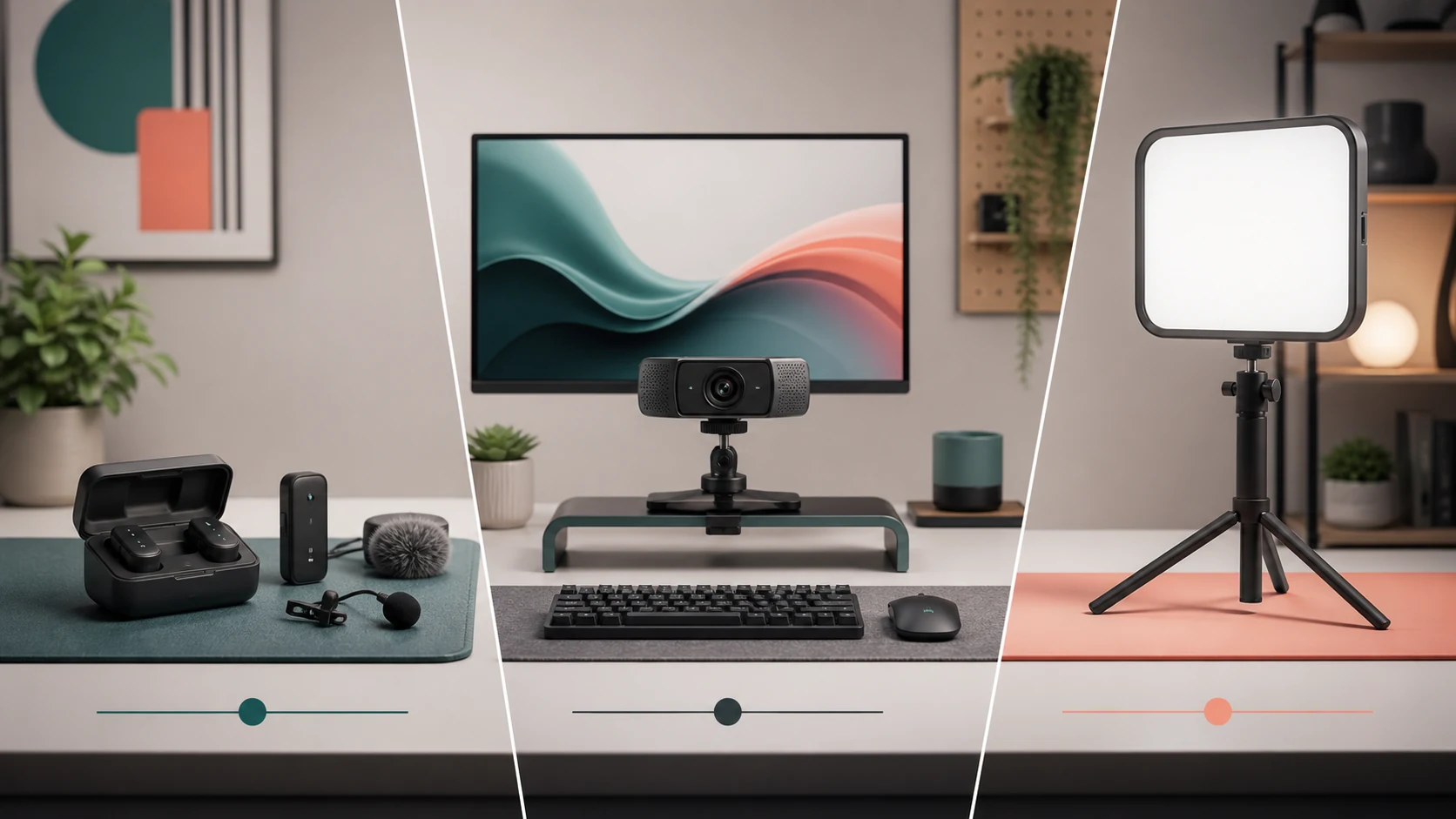
A creator desk improves fastest when the weakest link is fixed first. This guide compares DJI Mic 3, Elgato Facecam 4K, and Key Light Air MK.2 as a coordinated audio, camera, and lighting system rather than three unrelated purchases.
QUICK VERDICT
For most creator desks, lighting is the first visual upgrade because it helps the existing camera immediately. Audio should move to first place when speech is unclear, inconsistent, or recorded away from the desk. Facecam 4K becomes the logical camera upgrade after lighting and framing are controlled. Buy in the order that fixes the weakest result, not in the order of the most impressive specifications.
OUR SHORTLIST
Recommended Picks
01
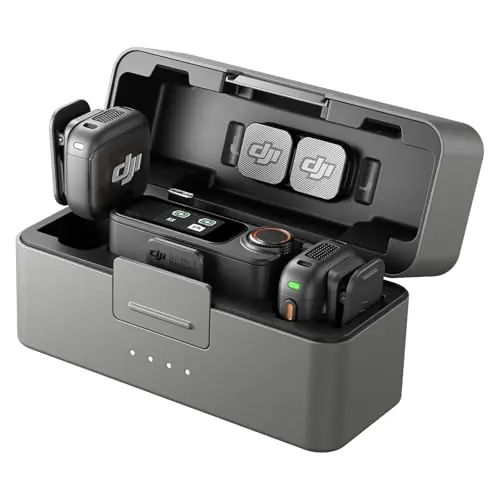
DJI Mic 3
Best flexible audio upgrade
A two-person wireless system with internal backup, timecode, adaptive gain, and room to grow beyond the desk.
Two-person kit
Internal backup
Timecode
Desk + location
Complete setup: Transmitters, receiver, charging case, compatible camera/phone cables or adapters, and a monitoring plan.
Main trade-off: It costs more and requires more setup knowledge than a simple USB desk microphone.
We evaluated each upgrade by the problem it solves, compatibility, setup burden, repeatability, ownership cost, desk footprint, linked review evidence, and whether it remains useful as the rest of the studio improves. This is an editorial buying guide, not a claim of hands-on testing.
What to upgrade first
Record a short sample with the current setup. If viewers struggle to understand speech, fix audio. If the face is dark, noisy, or strongly backlit, fix lighting. If exposure is already controlled but the image lacks detail, framing flexibility, or manual consistency, consider the camera. A simple diagnosis prevents buying a premium camera that still looks poor under bad light.
DJI Mic 3: audio that travels beyond the desk
DJI Mic 3 is the most flexible choice when the same kit must cover desk presentations, interviews, events, and two-person video. Internal backup and timecode can reduce failed-take and synchronization risk, but they only create value when the creator has a disciplined file and monitoring workflow.
Elgato Facecam 4K: camera control without a camera rig
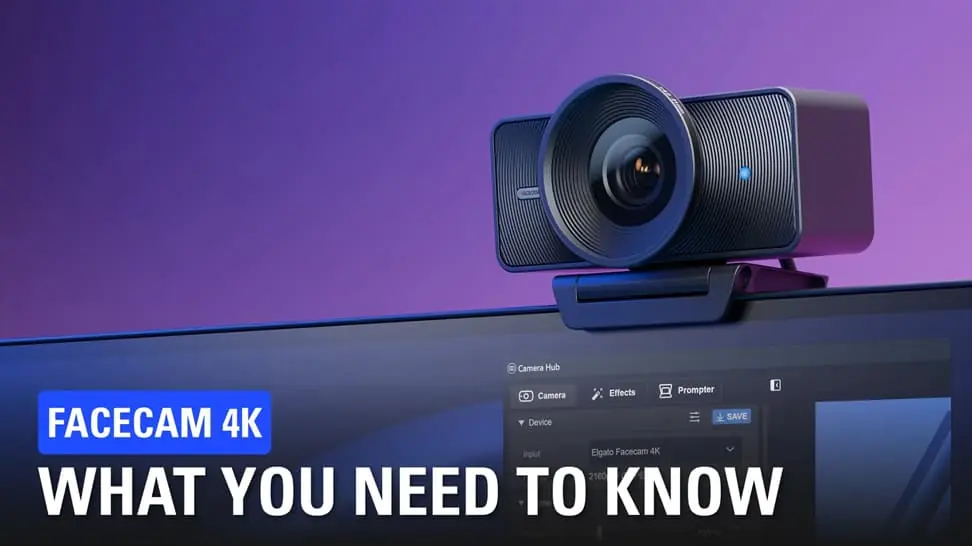
Elgato Facecam 4K targets creators who want a direct USB camera with strong manual control and no batteries or capture card. Its fixed-focus behavior suits a consistent seated position, while product demonstrations close to the lens or movement around the room may favor another camera.
Key Light Air MK.2: repeatable exposure
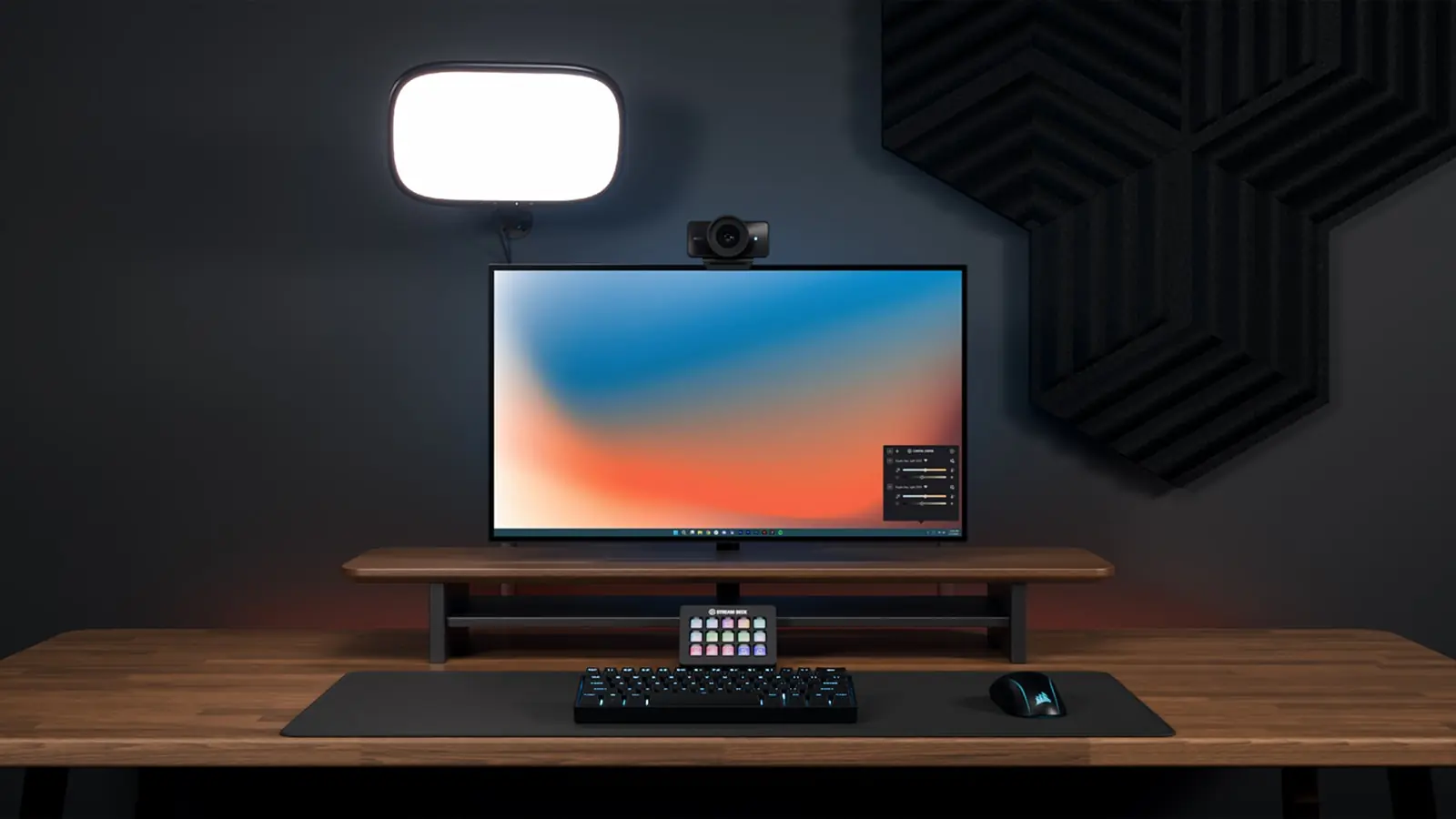
Key Light Air MK.2 is valuable because repeatable light improves almost every camera. Position it above eye level and off-axis, bring it close enough to remain soft, and balance brightness against the room. A second practical light or controlled background can matter more than pushing one panel to maximum output.
Budget and buying order
Calculate the complete setup: microphone adapters and mounts, camera mounting and USB requirements, light stands, power, cable routing, and desk space. A staged upgrade is usually safer than buying all three at once. Add one component, standardize its settings, and compare recordings before moving to the next bottleneck.
Compatibility checklist
Confirm operating-system support, available USB ports and bandwidth, camera or phone connectors, mounting threads, power outlets, desk load, cable length, and whether the chosen software can remember settings. For shared or work computers, verify permission to install control software before purchasing ecosystem-dependent hardware.
Who this setup is for
This three-part system best serves YouTubers, educators, podcasters with video, livestreamers, consultants, and small teams recording frequently from a permanent desk. Occasional callers may get better value from one soft light and an existing phone or webcam. Mobile-first creators should prioritize smaller audio and lighting tools.
Frequently Asked Questions
Should I buy a camera or light first?
Buy the light first when the current image is dark, noisy, or strongly backlit. A better camera cannot compensate for consistently poor illumination.
Is a wireless microphone necessary at a desk?
No. A USB/XLR desk microphone can be simpler. Wireless becomes valuable when the creator stands, moves, demonstrates products, or records away from the desk.
Does Facecam 4K replace a mirrorless camera?
It removes much of the battery and capture-card friction, but a mirrorless system still offers interchangeable lenses, depth-of-field control, and broader shooting options.
Is one key light enough?
It can be enough for a clean talking-head image. A fill, practical lamp, or background light may improve separation and atmosphere.
What is the hidden cost of the setup?
Mounts, arms, adapters, USB expansion, power, storage, and cable management often determine the final cost and usability.
Should all three products use one software ecosystem?
Not necessarily. Ecosystem control is convenient, but reliability, compatibility, and independent operation are more important than matching logos.
Final Verdict
Build the desk around a repeatable process: controlled light, intelligible audio, stable framing, and settings that can be restored quickly. DJI Mic 3 is the flexible audio foundation, Facecam 4K is the focused desktop camera, and Key Light Air MK.2 is the visual upgrade most likely to improve existing hardware immediately.

 Creator AudioBest USB Microphones for Content Creators in 2026: Five Picks for Different Rooms and WorkflowsRead more →
 Creator AudioBest Wireless Microphones for Creators in 2026: Three Kits for Different WorkflowsRead more →
 Creator WorkflowBest Tools for Video Creators in 2026: An AI-to-Publish WorkflowRead more →