
PRODUCT REVIEW
iFLYTEK P1 Pro Review: AI Voice Recorder for Meetings
- Model
- P1 Pro
- ASIN
- B0GXKVP9FY
Check Current Price
Check current price →PRICE DISCLOSURE
Prices, availability, seller details, subscriptions, and included accessories can change. Confirm the final terms on the seller or manufacturer website. Affiliate links — AIFOLUNE may earn a commission at no extra cost to you.
Based on official product information, documentation, and independent market research. No hands-on testing is implied unless the article explicitly says otherwise.
P1 Pro behaves more like a conventional premium recorder than a wearable accessory: it has a 3.2-inch AMOLED display, directional and omnidirectional pickup, local storage, physical privacy controls, and a recorder-first interface. Its full value still depends on the Deepting software and current service terms.
QUICK VERDICT
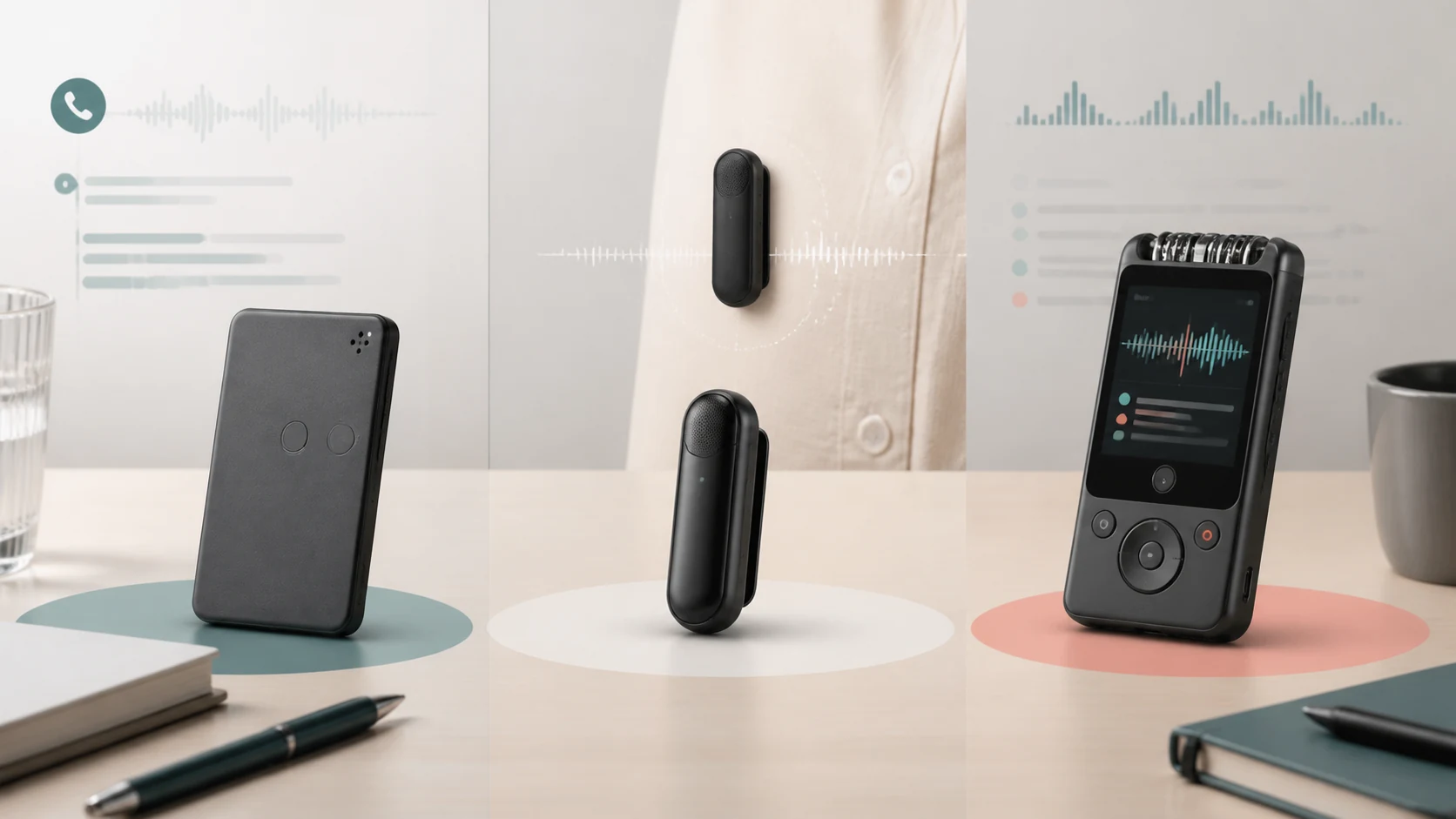
Choose P1 Pro when on-device control, a visible screen, long-range meeting capture, and recorder-style file handling matter more than minimum size. PLAUD Note is slimmer and better aligned with phone calls; NotePin S is lighter and easier to wear all day.
BEST FOR
P1 Pro best fits corporate professionals, journalists, recruiters, lecturers, researchers, and students who want a visible recorder interface, flexible pickup modes, and a substantial local audio archive.
MAIN TRADE-OFF
Larger and heavier than card-style or wearable recorders
COMPLETE SETUP
Charge the recorder, configure screen lock, select the correct pickup mode, connect the Deepting account, verify current transcription allowances, and test placement in the real room. Establish participant consent, naming, export, retention, backup, and deletion rules. For interviews, keep a secondary capture path when failure would be costly.
AT A GLANCE
Key Specifications
- Model: P1 Pro
- ASIN: B0GXKVP9FY
- The iFLYTEK P1 Pro is a dedicated AI recorder for meetings, lectures, interviews, and seminars.
- It combines a 3.2-inch AMOLED touchscreen, directional and omnidirectional pickup, intelligent noise reduction, local recording, and the Deepting software workflow for transcription, summaries, translation, and multilingual Q&A.
THE TRADE-OFFS
Pros and Cons
Pros
- Screen provides visible recording status and direct control
- Directional and omnidirectional modes suit different rooms
- Long battery life and large local storage
- Recorder can capture audio without leaving a phone app active
- Password lock and screen-off controls support professional use
- Transcription, summaries, translation, and Q&A in the connected workflow
Cons
- Larger and heavier than card-style or wearable recorders
- Advanced AI value depends on Deepting software and current plan terms
- Manufacturer accuracy figures are not guarantees for every room or speaker
- Long-distance capture still depends on acoustics, placement, and overlap
- Cloud processing may not fit every privacy policy
- Fewer wearable options than NotePin S
BEST MATCH
Who It’s For
P1 Pro best fits corporate professionals, journalists, recruiters, lecturers, researchers, and students who want a visible recorder interface, flexible pickup modes, and a substantial local audio archive.
THINK TWICE
Who Should Skip It
Skip it if minimum size and hands-free wearability matter most, if phone-call capture is central, if a phone app already covers occasional needs, or if organizational policy prevents use of the connected transcription service.
THE PRODUCT
Product Overview
The iFLYTEK P1 Pro is a dedicated AI recorder for meetings, lectures, interviews, and seminars. It combines a 3.2-inch AMOLED touchscreen, directional and omnidirectional pickup, intelligent noise reduction, local recording, and the Deepting software workflow for transcription, summaries, translation, and multilingual Q&A.
DEEPER LOOK
Detailed Review
Key Specifications
- 3.2-inch AMOLED touchscreen
- Three-microphone array
- Directional and omnidirectional recording modes
- Manufacturer-listed pickup distance up to 10 meters
- 96kHz / 24-bit recording support
- 64GB built-in storage
- Nearly 700 hours of audio storage under the manufacturer's stated encoding assumptions
- Up to 20 hours continuous recording
- Up to 38 days standby
- Approximately 55 g metal body
- Password screen lock and screen-off mode
- Real-time translation currently promoted across 11 languages
Complete Setup
Charge the recorder, configure screen lock, select the correct pickup mode, connect the Deepting account, verify current transcription allowances, and test placement in the real room. Establish participant consent, naming, export, retention, backup, and deletion rules. For interviews, keep a secondary capture path when failure would be costly.
Recording Modes and Placement
Directional mode is useful when the speaker is in front of the recorder, while omnidirectional mode better suits a group around a table. The advertised long pickup distance should be treated as an upper capability claim, not a guarantee of transcript-ready speech. Distance, reverberation, HVAC noise, table vibration, and simultaneous speakers remain decisive.
Screen and Local Recorder Workflow
The AMOLED display makes recording state, navigation, and privacy controls visible without relying entirely on a phone. This is the P1 Pro's clearest distinction from screenless competitors. Local recording also separates capture from later AI processing, although summaries and connected features still depend on the software workflow.
Transcription, Translation, and Summaries
iFLYTEK promotes rapid transcription, speaker identification, AI summaries, translation, and multilingual Q&A. Accuracy claims are manufacturer figures and will vary with language, accent, terminology, noise, and overlap. Verify quotations, names, numbers, and decisions against the original audio before publishing or acting on them.
Privacy, Consent, and Security
Password and screen-off controls can reduce casual access, but they do not replace consent, encryption policy, account security, or retention rules. Confirm where audio and transcripts are processed, who can access them, and whether the workflow is permitted for confidential, regulated, or client information.
How This Article Was Prepared
This editorial review uses iFLYTEK's current P1 Pro product information, retailer listing details, and comparative workflow research. It does not claim hands-on testing. Manufacturer performance figures, supported languages, service allowances, privacy terms, and regional recording rules should be verified before purchase.
OTHER OPTIONS
Alternatives
PLAUD Note is slimmer and supports a phone-call recording workflow. PLAUD NotePin S is the wearable choice for hands-free in-person capture. A conventional non-AI recorder keeps more of the workflow local. Compare the products in the AI voice recorder buying guide.
COMMON QUESTIONS
Frequently Asked Questions
Does P1 Pro record without a subscription? It records audio locally, while connected transcription and advanced AI features depend on the current Deepting service terms. Is 10-meter recording guaranteed? No, it is a manufacturer-stated maximum and real clarity depends on the room and placement. Does it translate every supported transcription language in real time? The current product page promotes real-time translation across 11 languages; verify the current list. Is 64GB expandable? Confirm the current hardware documentation; the product is promoted with 64GB built in. Can summaries replace listening to the audio? No, verify important facts against the original recording.
FINAL CHECK
Ready to decide?
Confirm the current configuration, included accessories, seller, and final price before ordering.
KEEP EXPLORING
Related Buying Guides
KEEP EXPLORING