
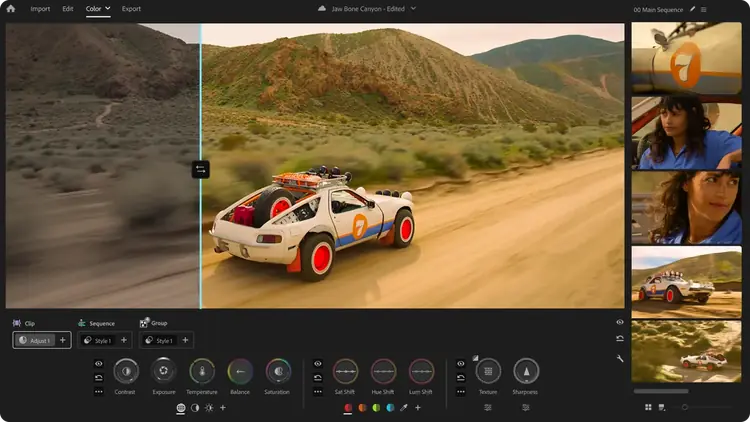
SOFTWARE REVIEW
Adobe Premiere Review: The Connected Editor for Creative Cloud Teams
Check Current Price
Check subscription on Amazon →PRICE DISCLOSURE
Prices, availability, seller details, subscriptions, and included accessories can change. Confirm the final terms on the seller or manufacturer website. Affiliate links — AIFOLUNE may earn a commission at no extra cost to you.
Based on official product information, documentation, and independent market research. No hands-on testing is implied unless the article explicitly says otherwise.
Adobe’s editor remains most compelling when video production depends on After Effects, Photoshop, shared review, templates, and collaboration—not merely the timeline itself.
QUICK VERDICT
The most practical professional editor for teams already committed to Creative Cloud. Premiere’s ecosystem, collaboration, and broad industry compatibility remain excellent, but recurring cost and generative-credit limits make it harder to recommend to creators who need only a standalone editor.
BEST FOR
Premiere is best for agencies, collaborative YouTube teams, motion-graphics-heavy channels, commercial editors, educators working in Adobe environments, and freelancers who exchange project files with Adobe-based clients. A solo beginner with no ecosystem requirement should compare less expensive options first.
MAIN TRADE-OFF
Premiere requires an ongoing subscription, plan details can be confusing, and some AI functions rely on generative credits.
COMPLETE SETUP
Confirm the included accessories and any stand, mount, cable, adapter, or software needed for your workflow.
AT A GLANCE
Key Specifications
- Professional track-based editing
- Windows and macOS desktop application
- Premiere on iPhone workflow
- Frame.io review and collaboration
- Titles, captions, color, effects, and audio mixing
- Dynamic Link workflows with After Effects
- Generative features use plan-dependent credits
- Subscription pricing and inclusions vary by plan
THE TRADE-OFFS
Pros and Cons
Pros
- Mature professional timeline workflow
- Strong After Effects and Photoshop integration
- Frame.io collaboration and review
- Broad plugin, template, and training ecosystem
- Good interchange with professional applications
- Desktop and mobile continuity
- Useful transcription and AI-assisted editing
Cons
- Premiere requires an ongoing subscription, plan details can be confusing, and some AI functions rely on generative credits.
- Dynamic Link and third-party plugins add power but can complicate troubleshooting.
- Solo editors who do not use Creative Cloud may get better value from Resolve, Final Cut Pro, or CapCut.
BEST MATCH
Who It’s For
Premiere is best for agencies, collaborative YouTube teams, motion-graphics-heavy channels, commercial editors, educators working in Adobe environments, and freelancers who exchange project files with Adobe-based clients. A solo beginner with no ecosystem requirement should compare less expensive options first.
THINK TWICE
Who Should Skip It
Premiere requires an ongoing subscription, plan details can be confusing, and some AI functions rely on generative credits. Dynamic Link and third-party plugins add power but can complicate troubleshooting. Solo editors who do not use Creative Cloud may get better value from Resolve, Final Cut Pro, or CapCut.
THE PRODUCT
Product Overview
Adobe Premiere is a subscription-based professional video editor for desktop, with mobile continuity through Premiere on iPhone and services such as Frame.io, Adobe Express, fonts, templates, and Creative Cloud storage included according to plan. Amazon ASIN B07Q3SPLSV is a 12-month auto-renewing PC/Mac subscription listing; verify that it is sold for your region, account type, and desired renewal terms before purchase.
DEEPER LOOK
Detailed Review
Why Premiere remains relevant
The editing market is moving toward connected workflows: remote review, reusable brand assets, transcription, mobile capture, AI-assisted search, and direct movement between graphics and video tools. Premiere’s strength is the Creative Cloud network around the timeline, especially for teams exchanging After Effects compositions, Photoshop assets, and Frame.io feedback.
Editing workflow and media organization
Premiere supports conventional source monitoring, multicamera editing, nested sequences, proxies, productions, extensive keyboard customization, and broad professional interchange. Its flexibility suits long-form YouTube, commercial work, documentary editing, social deliverables, and projects that must move between editors.
Captions, transcription, and AI assistance
Speech-to-text, text-based editing, automatic reframing, media search, audio cleanup, and generative tools can reduce repetitive work. These features should accelerate editorial decisions rather than replace review. Accuracy varies with language, audio quality, and subject matter, while premium generative functions may consume plan-dependent credits.
Creative Cloud and Frame.io
Dynamic Link with After Effects, shared libraries, Photoshop integration, Adobe Fonts, templates, and Frame.io review are major advantages for teams. The value declines when a creator uses only Premiere and none of the connected services, because the subscription then competes directly with powerful free or one-time-purchase editors.
Performance and stability
Premiere can edit a wide range of professional formats, but performance depends on codec, GPU support, storage, effects, plugins, and project organization. Proxies, optimized cache locations, disciplined versioning, and tested plugin sets remain important. Updating in the middle of a critical project should be approached cautiously.
OTHER OPTIONS
Alternatives
Choose Premiere for Creative Cloud integration, After Effects workflows, Frame.io-centric teams, and established Adobe pipelines. Choose Resolve for integrated color and audio, a powerful free edition, and a paid Studio license without a required recurring subscription. Both should be tested with the codecs and collaboration methods used in real work.
COMMON QUESTIONS
Frequently Asked Questions
Is Premiere free? The desktop editor requires a paid plan after its trial; Adobe offers a free Premiere app on supported iPhones. Is After Effects included? Only in plans that include it. Does Amazon sell Premiere? A subscription listing exists, but region, seller, renewal, and account restrictions must be verified. Is it better than Resolve? It depends primarily on ecosystem, collaboration, and licensing preferences.
FINAL CHECK
Ready to decide?
Confirm the current configuration, included accessories, seller, and final price before ordering.
KEEP EXPLORING
Related Buying Guides
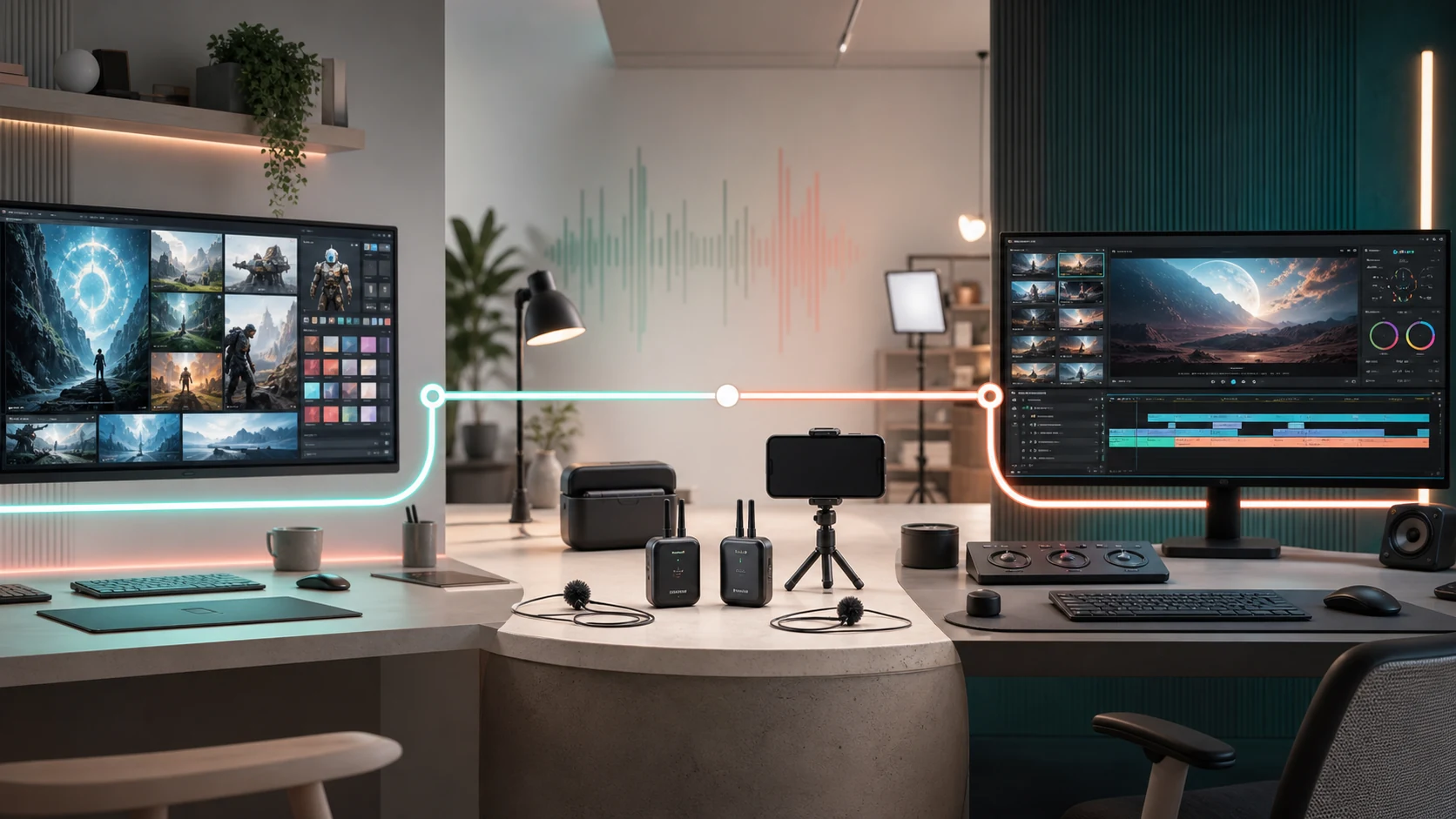 Creator WorkflowBest Tools for Video Creators in 2026: An AI-to-Publish WorkflowRead more →
 Creator AudioBest USB Microphones for Content Creators in 2026: Five Picks for Different Rooms and WorkflowsRead more →
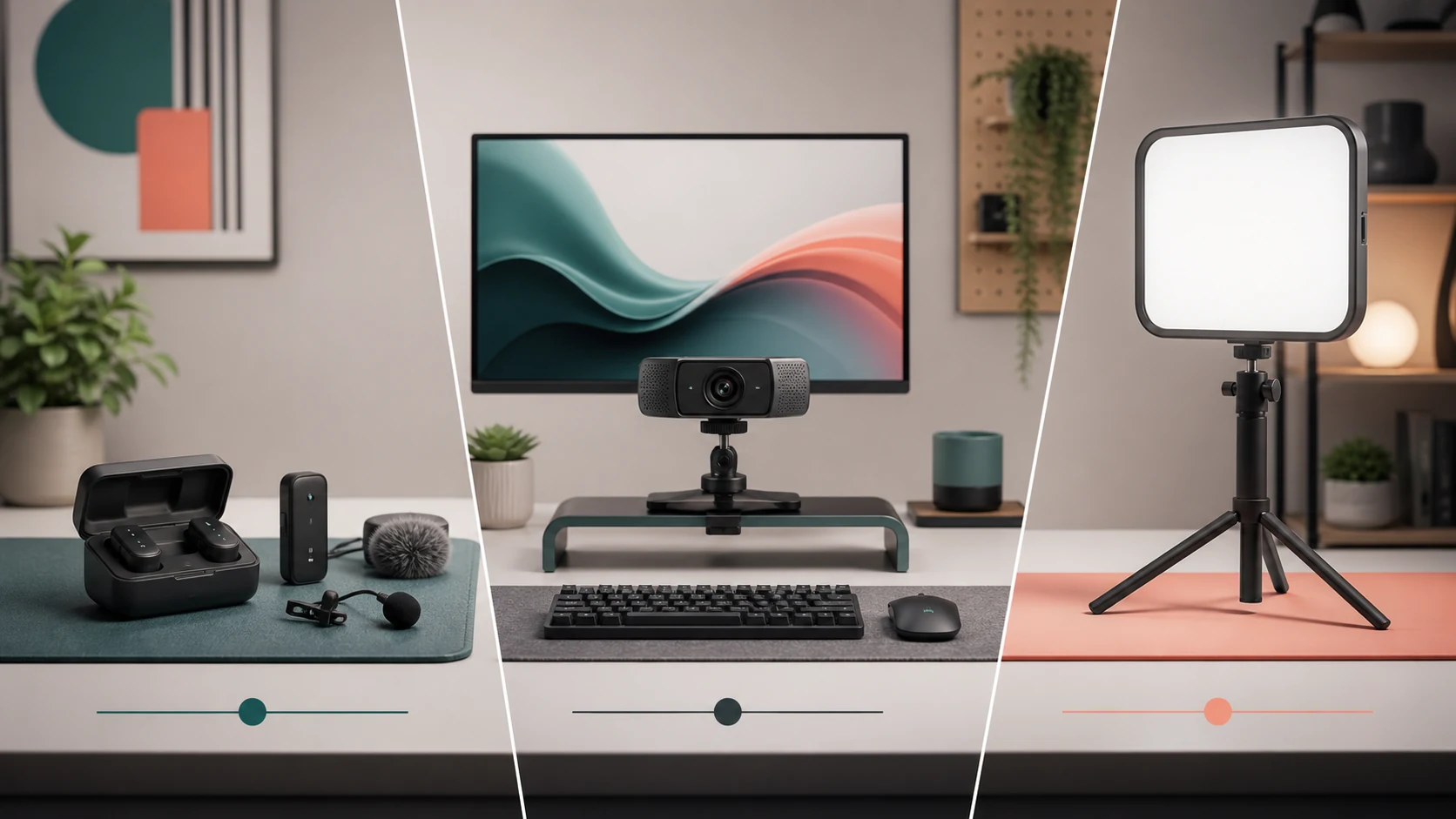 Studio SetupBest Creator Desk Upgrades in 2026: Camera, Microphone, and LightingRead more →
KEEP EXPLORING
Related Products
 Creative Software SuitesAdobe Creative Cloud Pro Review: 20+ Apps, Firefly AI, and the Subscription Trade-OffsRead more →
 AI VideoAdobe Firefly Review: A Multi-Model AI Studio for Commercial Creative WorkRead more →
 Video Editing ControllersDaVinci Resolve Speed Editor Review: Fast Hardware Control Plus a Studio Activation CardRead more →