
AI TOOL REVIEW
Canva Pro Review: The Fastest AI Design Workspace for Everyday Content
Check Current Price
Try Canva Pro →PRICE DISCLOSURE
Prices, availability, seller details, subscriptions, and included accessories can change. Confirm the final terms on the seller or manufacturer website.
Based on official product information, documentation, and independent market research. No hands-on testing is implied unless the article explicitly says otherwise.
Its value is not replacing every specialist design application. Canva Pro is strongest when a creator or small business needs to produce polished, consistent content across many formats with minimal setup.
QUICK VERDICT
A strong subscription for solo creators and small businesses publishing every week. The premium library, Brand Kit, Magic Resize, and AI workflow can save substantial time, while occasional users should begin with Canva Free.
BEST FOR
Best for solo creators, small businesses, marketers, educators, and freelancers producing frequent social posts, presentations, thumbnails, simple video, print assets, and branded documents. Advanced designers may use it alongside—not instead of—specialist software.
MAIN TRADE-OFF
Template-heavy output can look generic without deliberate customization.
COMPLETE SETUP
Confirm the included accessories and any stand, mount, cable, adapter, or software needed for your workflow.
AT A GLANCE
Key Specifications
- Premium templates, images, video, graphics, audio, and fonts
- Brand Kit and reusable brand templates
- Magic Resize and format conversion
- Background removal for images and video
- AI writing, image, video, and design tools
- Social content planning and scheduling
THE TRADE-OFFS
Pros and Cons
Pros
- Very low learning curve
- Large integrated content library
- Fast multi-format production
- Strong tools for repeatable brand consistency
- Useful AI assistance throughout the workflow
- Works across browser, desktop, and mobile
Cons
- Template-heavy output can look generic without deliberate customization.
- Precise typography, complex page layout, advanced color work, and sophisticated motion remain stronger in specialist applications.
- AI usage limits and plan features can change, so check current terms before subscribing.
BEST MATCH
Who It’s For
Best for solo creators, small businesses, marketers, educators, and freelancers producing frequent social posts, presentations, thumbnails, simple video, print assets, and branded documents. Advanced designers may use it alongside—not instead of—specialist software.
THINK TWICE
Who Should Skip It
Template-heavy output can look generic without deliberate customization. Precise typography, complex page layout, advanced color work, and sophisticated motion remain stronger in specialist applications. AI usage limits and plan features can change, so check current terms before subscribing.
THE PRODUCT
Product Overview
Canva Pro is the paid individual plan for Canva’s browser, desktop, and mobile design platform. It combines premium templates and media, Brand Kit, background removal, resizing, social scheduling, video tools, and more than 40 AI-powered features in one workspace.
DEEPER LOOK
Detailed Review
Why it remains relevant
Canva continues to expand beyond social graphics into a broader creative operating system. Its 2026 updates add stronger AI generation, brand-aware assistance, interactive Canva Code experiences, improved publishing connections, offline work, and a more capable professional design suite.
AI tools in daily work
The most useful AI features are often practical rather than spectacular: turning an idea into a first draft, resizing one design for several channels, removing a background, generating variations, rewriting copy, or applying brand styles. These reduce repetitive work, but every output still needs fact-checking and visual review.
Brand and publishing workflow
Brand Kit stores logos, colors, fonts, imagery, and templates so repeated content starts from the same system. Content Planner can move finished social assets closer to publishing. This combination is particularly useful for solo operators who otherwise switch among a stock library, editor, scheduler, and shared drive.
OTHER OPTIONS
Alternatives
Canva Free is sufficient for occasional graphics and testing the interface. Pro becomes easier to justify when premium assets, background removal, Magic Resize, brand controls, scheduling, and higher AI usage save time every week. Teams needing advanced permissions and shared workflows should compare Canva Business instead.
COMMON QUESTIONS
Frequently Asked Questions
Is Canva free? Yes, Canva Free remains available. Is Pro designed for teams? It supports sharing, but Canva describes it primarily as an individual plan; larger teams should compare Canva Business. Can AI output be used commercially? Licensing depends on the asset and feature, so review Canva’s current content licence. Is Canva Pro sold on Amazon? No verified official consumer subscription was found on Amazon US, so this page links directly to Canva.
KEEP EXPLORING
Related Buying Guides
 Creator WorkflowBest Tools for Video Creators in 2026: An AI-to-Publish WorkflowRead more →
 Creator AudioBest USB Microphones for Content Creators in 2026: Five Picks for Different Rooms and WorkflowsRead more →
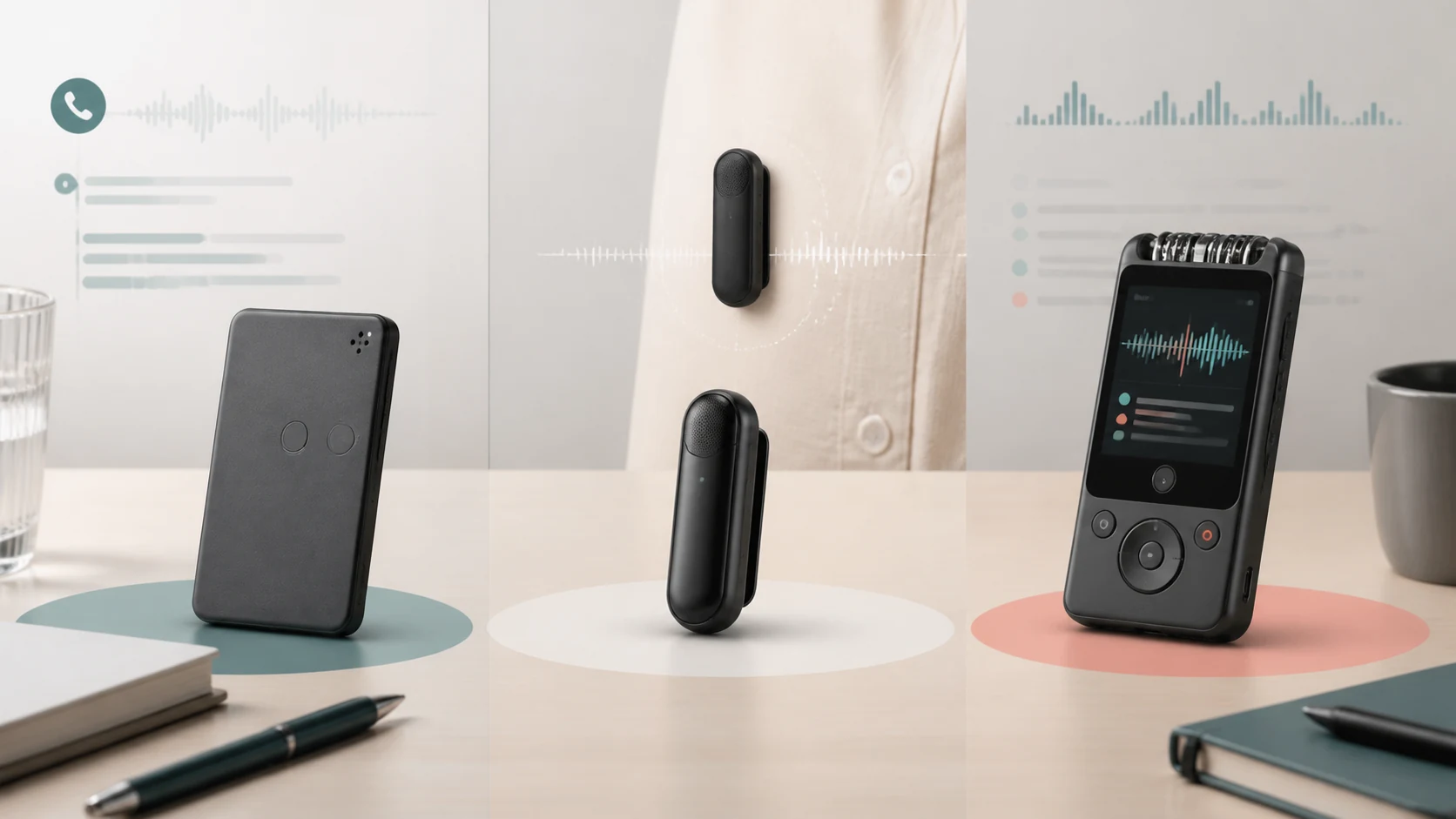 AI Voice RecordersBest AI Voice Recorders in 2026: PLAUD Note vs NotePin S vs iFLYTEK P1 ProRead more →
KEEP EXPLORING